How to Create a GED Online Course: A Practical Blueprint That Actually Helps Adult Learners Pass
Build a GED online course that works for real adult schedules: the exact structure, lesson templates, practice plan, and official resources—plus how to ship it fast with SubSchool.
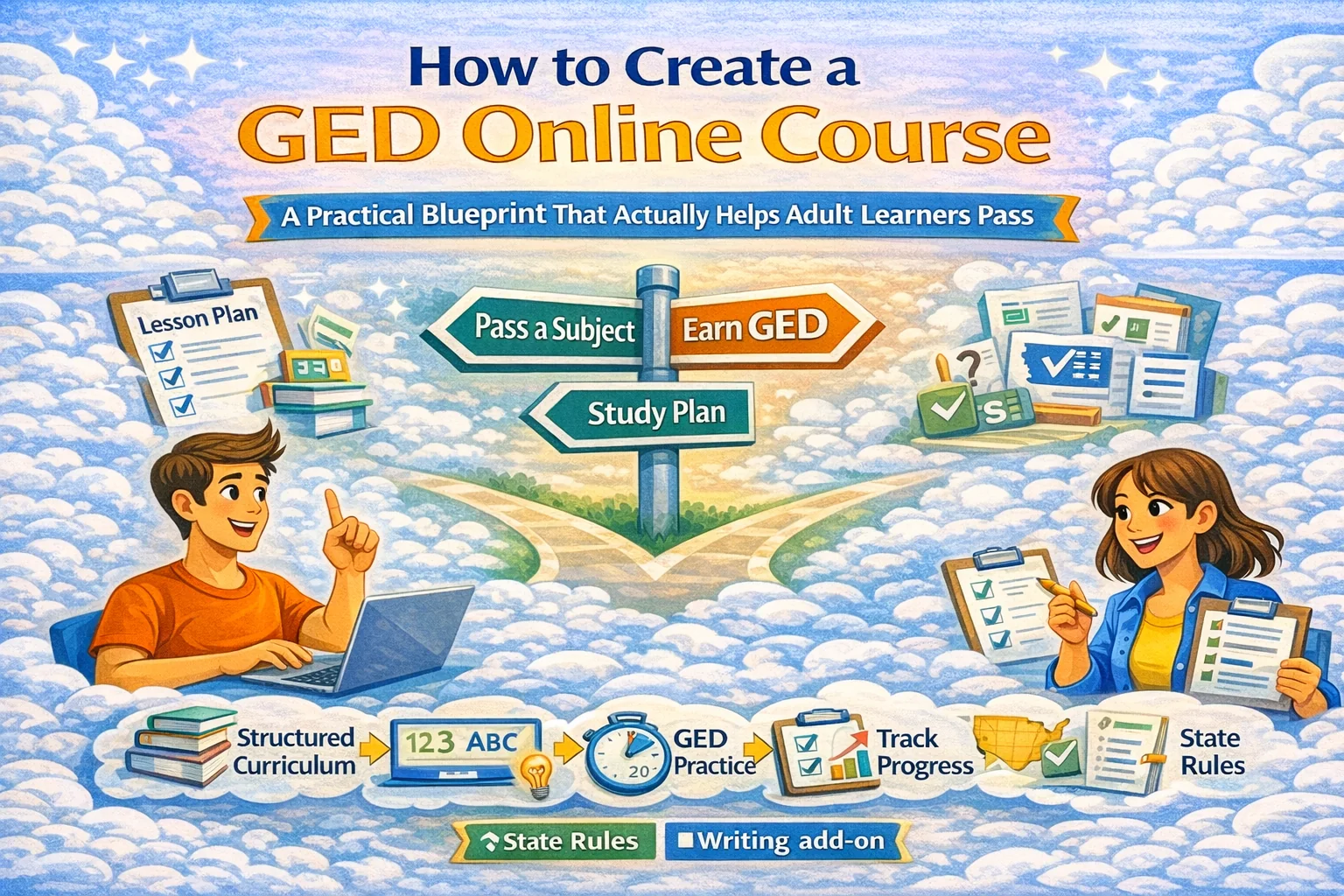
How to Create a GED Online Course (Without Building a Mess)
Most GED courses fail for one boring reason: they’re designed like high school—long lessons, vague homework, “just study more,” and zero respect for the fact that your learners have jobs, kids, stress, and a phone with 2% battery.
So this guide is built around the reality of GED students and the reality of the GED test: four subjects, measurable skills, and practice that compounds.
1) Understand what the GED course is really selling
A GED course isn’t “education.” It’s a plan that turns “I should get my GED” into “I passed.”
Your course promise should be one sentence, measurable:
- “Pass 1 GED subject in 14 days with 30–45 minutes/day.”
- “Go from ‘I hate math’ to a passing GED math score in 6 weeks.”
- “Finish all 4 subjects in 12 weeks with a structured schedule.”
The tighter the promise, the easier it is to build content, homework, and marketing.
2) GED basics you must bake into the course (so learners trust you)
The GED has 4 subjects
The official GED test covers: Mathematical Reasoning, Reasoning Through Language Arts (RLA), Science, Social Studies.
Learners can take subjects separately
They don’t need to sit all four in one day. That’s a huge motivational lever: win one subject first, then snowball.
Online testing is state-dependent + has a gate
If your learners want to test from home, GED has a state-by-state participation list, and (commonly) you must score “Green” on GED Ready within the last 60 days before you can schedule an online test.
Translation: your course should include (1) a GED Ready prep loop, and (2) instructions for checking state rules.
Online proctoring has strict setup rules
Expect requirements around device, webcam/mic, private room, ID checks, and exam rules. Pearson VUE’s OnVUE page is the “don’t argue with it” baseline for online testing conditions.
3) Pick a course model that fits adult life (3 proven formats)
Model A — “One-Subject Sprint” (best for conversions)
2–4 weeks focused on one subject.
- Perfect for: learners who need a quick win; creators who want fast results and testimonials.
- Upsell: the next subject sprint.
Model B — “All-4 Roadmap” (best for completion)
10–14 weeks, steady pace.
- Perfect for: adult ed programs, workforce orgs, consistent learners.
Model C — “Diagnose → Fix → Test” (best for mixed-level groups)
Ongoing, learners start anywhere and you route them to the right modules.
- Perfect for: cohorts where people join at different levels.
If you’re starting from zero: do Model A first. It’s the fastest path to proof.
4) Build your curriculum map (the clean way)
Step 1: Split each subject into skill buckets (not “chapters”)
Use the GED subject/topic pages as your anchor.
Example buckets (simple + sufficient):
RLA
- Reading for Meaning
- Arguments
- Grammar + Language
- (+ writing/extended response as a separate mini-track)
Math
- Basic math + number sense
- Algebra basics
- Geometry essentials
- Graphs + word problems
- (And teach how to use the formula sheet—because you get one.)
Science
- Reading science passages
- Data + graphs
- Basic life/physical/earth science concepts
Social Studies
- Reading for meaning (history/civics/econ)
- Claims + evidence
- Numbers/graphs in context
Step 2: For each bucket, create a repeating weekly loop
This loop is your “engine.” Don’t reinvent lesson structure every time.
Weekly loop (works):
- Learn (2–4 short lessons)
- Drill (15–30 targeted questions)
- Check (mini-test + review)
- Fix (2 micro-lessons for the weak spots)
- Simulate (timed set every week)
Step 3: Place GED Ready and “Sample Tests” strategically
- Use sample tests early to reduce fear and make the test “real.”
- Use GED Ready as your “green light” milestone before booking a test.
5) Lesson template that doesn’t waste anyone’s time
Every lesson should fit on one screen and answer:
- What skill are we training?
- What’s the trap? (the common wrong answer pattern)
- Do 5–10 reps (practice)
- Instant feedback (why right / why wrong)
- Homework (short + targeted)
Homework rule:
If homework takes more than 20–30 minutes, adult learners won’t do it. They’re not lazy—they’re alive.
6) The “practice system” that makes your course feel legit
Your course should include three practice layers, always:
- Daily micro-practice (5–10 questions)
- Weekly timed set (test pressure inoculation)
- Milestone practice (sample tests + GED Ready)
Also: publish a progress rule like this:
- “If you score under X on weekly timed sets, repeat this module.”
- “If you score ‘Green’ on GED Ready, schedule the test.”
That’s how you turn “motivation” into process.
7) How to package this into a course on SubSchool (fast)
Here’s the clean setup:
Option 1 — Upload videos, let AI do the heavy lifting
If you already have videos, you can upload a batch and let SubSchool structure the course into lessons/modules so you’re not manually assembling 80 pages at 2 a.m.
Option 2 — Build lessons manually and generate homework with AI
If you write lessons as text (or add short videos), SubSchool can generate homework aligned to the lesson content—perfect for daily micro-practice and weekly drills.
Option 3 — Sell “try one lesson” to reduce friction
GED learners are risk-sensitive. Being able to buy a single lesson first (instead of committing to a full course) reduces resistance and boosts trust—this is built into the marketplace model of SubSchool.
For programs (adult ed / workforce / employer)
If you run cohorts, you can use SubSchool as the delivery platform and keep the structure consistent across instructors.
8) Pricing + offer structure that actually sells (without being scammy)
High-trust offers win in GED.
Simple offer ladder:
- $: 1 lesson “trial” (taste + proof)
- Add-on: “Test booking checklist + state rules walkthrough” (this reduces anxiety)
And don’t pretend the GED itself is “online everywhere.” Make the state rules explicit.
9) Quality checklist (steal this and ship)
Before you publish, verify:
- ✅ Every module has a timed practice set
- ✅ Every lesson has instant feedback examples
- ✅ There is a GED Ready milestone plan
- ✅ You explain online proctor rules and environment needs
- ✅ You link learners to official test subject pages so they trust the scope
10) FAQ (because Google loves it and users do too)
Can learners take the GED online from home?
Sometimes. It depends on the state/territory, and many places require a “Green” GED Ready score before scheduling an online test.
How long is the GED test?
The subjects have different times; for example, RLA is listed as 150 minutes on the official subject page.
What official practice should I build around?
Use GED sample tests, practice questions, and GED Ready as your milestones.
Resources
- GED Test Subjects (official breakdown + topics)
- State-by-State Info on Online GED Testing
- GED Ready Official Practice Test
- GED Sample Tests
- GED Practice Questions
- Pearson VUE OnVUE: GED online testing requirements
- LINCS Resource Collection (U.S. Dept of Education-reviewed adult ed resources)
- U.S. Department of Education – Adult Programs