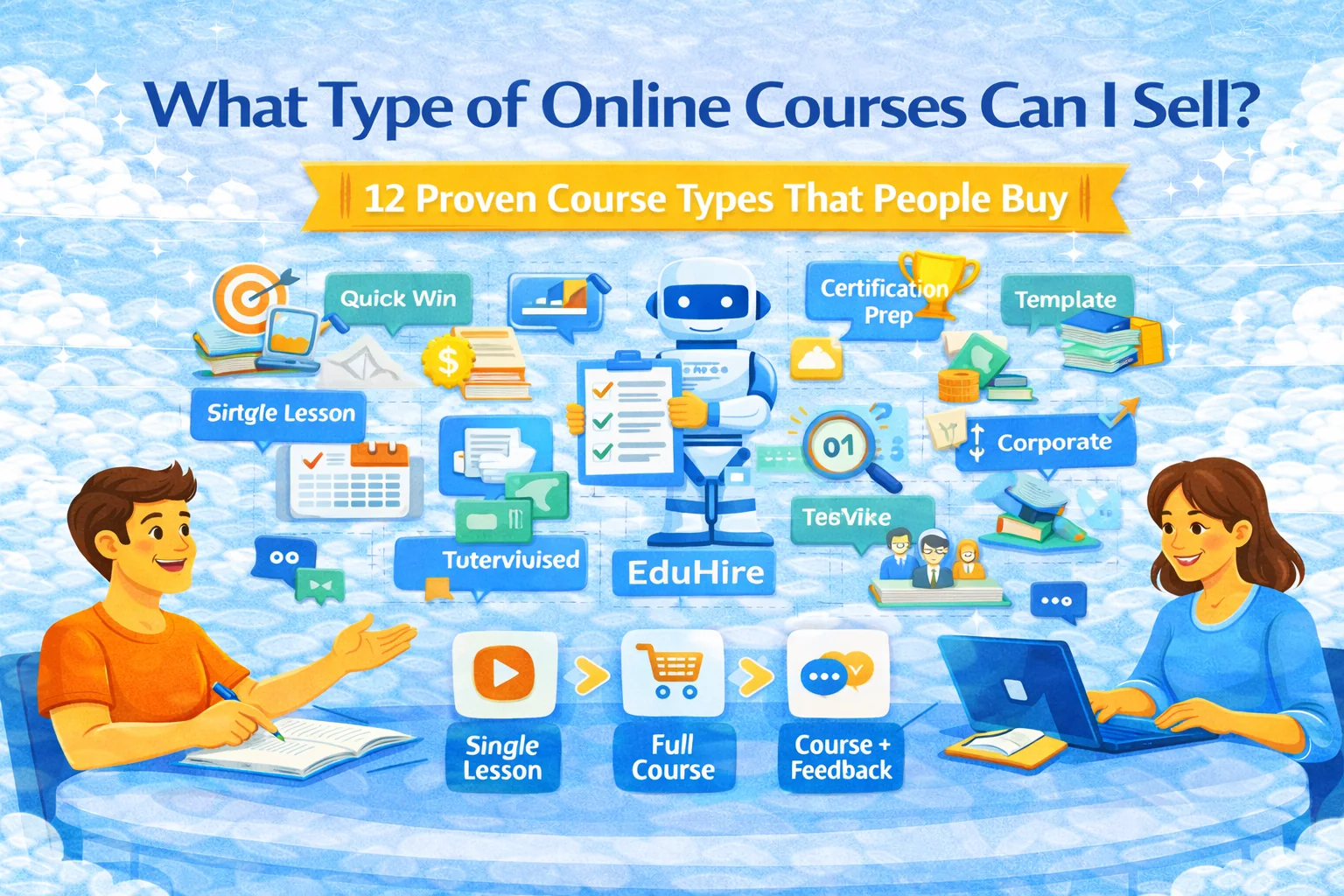
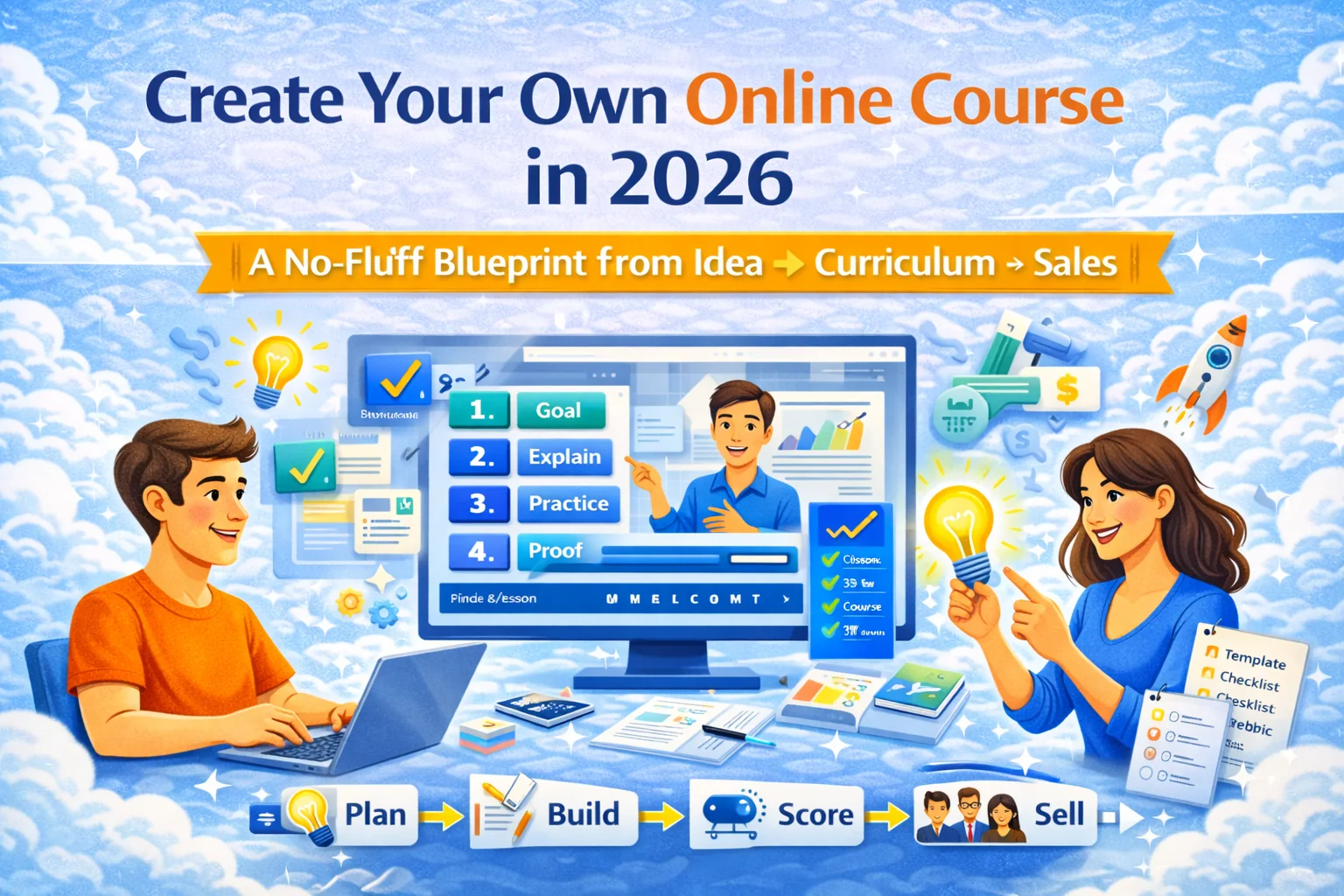
Create Your Own Online Course in 2026: A No-Fluff Blueprint From Idea → Curriculum → Sales
A practical step-by-step guide to creating your own online course: pick a sellable outcome, validate demand, design lessons, produce content fast, add practice and assessments, price it, and launch. Includes templates and checklists
What “create your own online course” actually means (and why most people fail)
Creating a course is not “record 20 videos.”
A course is a product that:
- promises a specific outcome,
- delivers it with structure + practice,
- and has a clear reason to buy now.
Most courses flop because they’re built around topics (“marketing,” “English,” “math”) instead of jobs-to-be-done (“get your first clients,” “pass the interview,” “raise SAT score,” “stop blanking on calls”).
If you build around an outcome, you can create a smaller course, sell it faster, and iterate like a sane person. And if you want to ship fast without fighting tech, you build it on a platform like SubSchool (manual course building or upload a bunch of videos and let AI help structure it, plus AI-generated homework from lesson context, marketplace sales by course or single lesson, and corporate/EduHire formats inside SubSchool).
Step 1 — Pick the course “promise” (one sentence)
Use this formula:
In [time] you will [achieve outcome] without [pain] even if [constraint].
Examples:
- “In 14 days you’ll speak confidently on work calls without memorizing scripts even if you freeze under pressure.”
- “In 4 weeks you’ll build a portfolio project without getting stuck on setup even if you’re a total beginner.”
- “In 10 lessons your teen will stop making the same SAT mistakes without doing 300 random problems.”
Hard rule: if you can’t say the promise in one sentence, you don’t have a product yet.
Step 2 — Validate demand before you build (fast, not perfect)
You need proof that someone will pay. Choose at least two validation signals:
Validation signals that count
- People are already spending money (tutoring, coaching, books, bootcamps).
- People ask the same question repeatedly (forums, YouTube comments, school parent groups).
- The outcome has a deadline (exams, job search, onboarding).
- You can name 10 “ideal students” from your real life/network.
A 60-minute validation exercise
- Write 10 pain statements your audience says verbatim.
- Turn them into 10 potential lesson titles.
- Pick the 3 that feel “painful + urgent + specific.”
- Draft a one-page outline and pre-sell a single lesson as a low-risk try.
Selling single lessons is one of the best ways to validate demand, and it’s built into SubSchool (students can buy a single lesson before committing to the full course on SubSchool).
Step 3 — Choose a course format that matches your life
Option A: Micro-course (30–120 minutes)
Best when you want speed and volume.
- Outcome: one clear quick win
- Price: low
- Support: minimal
Option B: Sprint (1–3 weeks)
Best for skill-building with repetition.
- Outcome: one skill level-up
- Price: mid
- Support: light
Option C: Project course (portfolio outcome)
Best for careers and credibility.
- Outcome: a finished artifact
- Price: mid-high
- Support: medium
Option D: Cohort / feedback course
Best for premium pricing.
- Outcome: transformation + accountability
- Price: high
- Support: higher workload
You can run any of these on SubSchool, and if you’re doing corporate training or hiring funnels, SubSchoolsupports corporate learning and EduHire-style interview tasks inside courses.
Step 4 — Build the curriculum with a “module blueprint”
Forget perfection. Use a repeatable structure:
Module formula (works for almost any subject)
- Goal (what student can do after this module)
- Explain (concept in plain language)
- Demonstrate (example walkthrough)
- Practice (homework/task)
- Feedback (rubric or self-check)
- Proof (mini checkpoint or quiz)
If you build lessons manually in SubSchool, AI can draft homework based on lesson context inside SubSchool(you edit it into your voice and difficulty).
Step 5 — Produce content fast (without sounding dead inside)
The fastest production workflow
- Write bullet scripts, not full scripts.
- Record in short clips (3–8 minutes).
- Edit lightly (cuts + captions if you can).
- Ship Version 1, improve after you get buyers.
“Upload-first” shortcut (massive time saver)
If you already have recorded lessons (Zoom recordings, lectures, screen captures), you can upload them as a batch and let AI help you structure them into a course on SubSchool. That’s how you turn “a folder of videos” into “a product” without losing a week to rearranging everything manually on SubSchool.
Step 6 — Add practice and assessment (this is what people pay for)
Courses sell better and get better reviews when students do something, not just watch.
Practice options that scale
- Checklists
- Short quizzes
- “Fix this broken example” tasks
- Scenario questions (“what would you do next?”)
- Rubric-scored assignments
EduHire / hiring use case
If the course is meant to screen or evaluate, convert modules into tasks:
- scenario prompt
- candidate video answer
- rubric scoring
That format maps cleanly to EduHire inside SubSchool.
Step 7 — Price it like a product ladder (not a random number)
A clean ladder:
- Single lesson (try-first)
- Full course (main offer)
- Course + feedback / cohort (premium)
This ladder is especially natural on SubSchool because students can buy single lessons and then upgrade to the full course on SubSchool.
Step 8 — Launch with a pilot (your first course should be “Version 1”)
Do not build in a cave for 3 months. Launch a pilot:
Pilot launch plan (2 weeks)
- Day 1–2: one-page outline + sales page copy
- Day 3–7: produce the first 30–40% of the course
- Day 8–10: sell single lesson / diagnostic
- Day 11–14: deliver + collect feedback + finish remaining lessons
Your goal is not “perfect.” Your goal is evidence:
- do people buy?
- do they start?
- do they complete module 1?
- what confuses them?
Templates you can copy
1) Course one-pager
- Audience:
- Outcome:
- Time-to-result:
- Prerequisites:
- What’s included:
- Proof / examples:
- What this is NOT:
- Pricing ladder (lesson / course / premium):
2) Lesson template
- Title (promise):
- 3 bullet takeaways:
- One example walkthrough:
- Homework:
- Self-check rubric:
3) Homework rubric (0–4)
- 4 = specific, correct, structured, uses example
- 3 = mostly correct, minor gaps
- 2 = generic, missing key steps
- 1 = confused / incomplete
- 0 = not attempted / irrelevant
Where SubSchool fits (so you ship faster)
Use SubSchool when you want:
- create courses manually or upload a batch of videos and let AI help structure them on SubSchool
- generate homework from lesson context (AI drafts, you refine) inside SubSchool
- sell via a marketplace and let students buy single lessons or full courses on SubSchool
- build corporate training programs and EduHire-style interview tasks inside courses on SubSchool
Resources
- Copyright basics (US Copyright Office): Copyright Basics (PDF)
- Creative Commons license chooser: Choose a license
- FTC rules for testimonials/reviews: Endorsements, influencers, and reviews
- Web accessibility standard (global baseline): WCAG overview (W3C)
- US accessibility requirements for federal content (useful baseline): Section 508
- UK accessibility regs guidance (public sector baseline, still a good checklist): Accessibility requirements for public sector websites/apps
- Market research basics (SBA): Market research and competitive analysis