Interactive Course Builder: Engage and Educate with Cutting-Edge Technology
Unleash the potential of interactive course builders to create engaging and impactful educational experiences with cutting-edge technology.
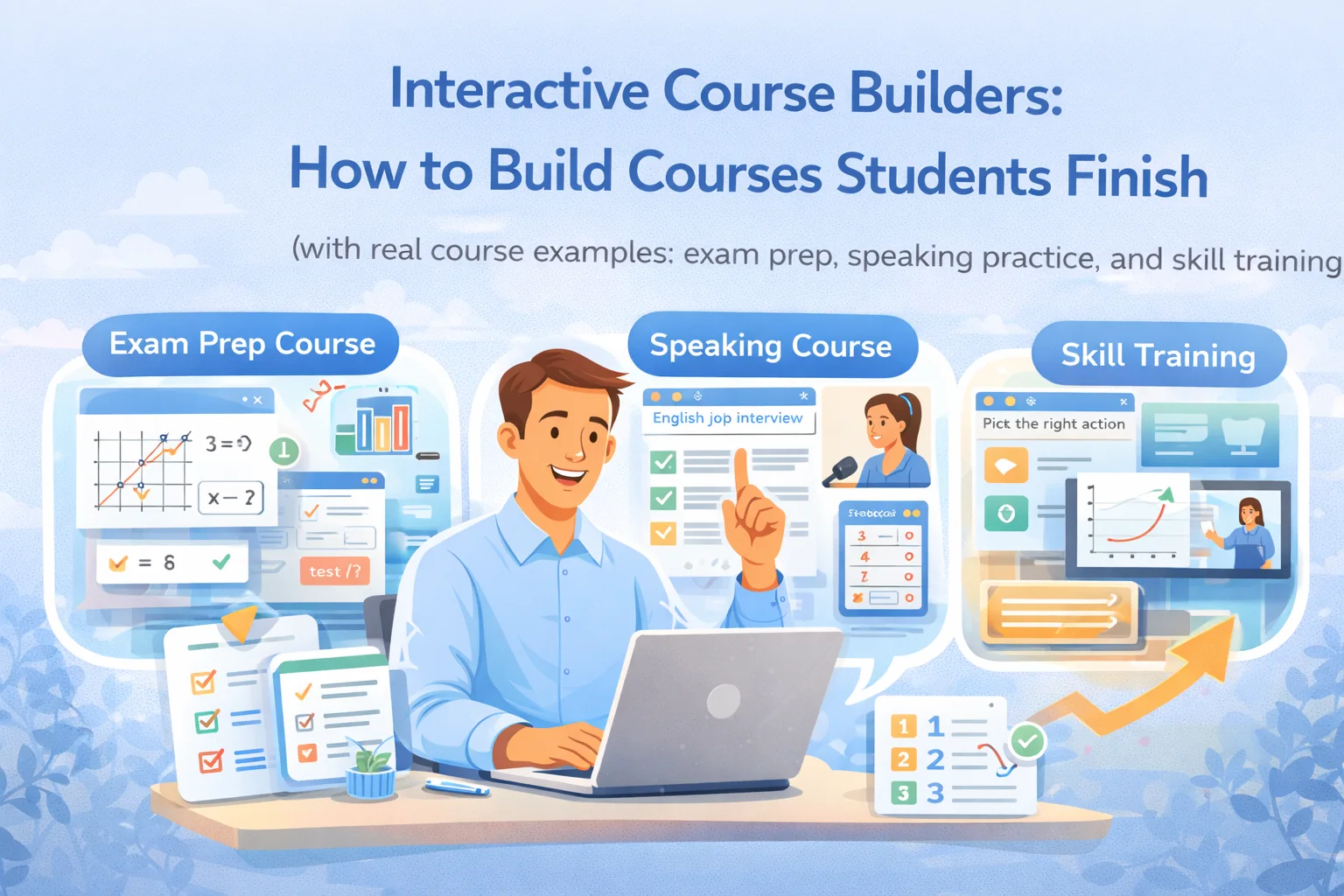
Interactive Course Builders: How to Build Courses Students Finish
(with real course examples: exam prep, speaking practice, and skill training)
“Interactive course builder” is one of those phrases that sounds exciting… until you open a platform and realize it mostly means “upload a video and add a quiz.”
But a course doesn’t become interactive because it has buttons.
It becomes interactive when it creates a learning loop:
Learn → do → get feedback → adjust → improve
That’s it. Everything else is decoration.
In this guide we’ll break down:
- what “interactive” actually means,
- which interactive elements matter (and which are useless),
- and how to design interactive courses in 3 real scenarios.
1) What makes a course actually interactive
A course builder is interactive when it supports these 4 things:
1) Student actions are frequent and meaningful
Not “watch another video.”
Actions like:
- solve a task,
- explain reasoning,
- record a speaking response,
- choose a strategy,
- diagnose mistakes.
2) Feedback happens fast
Feedback can be:
- instant auto-check (for formats, multiple choice, numeric answers),
- rubric-based review,
- AI grading for essays/interviews,
- peer review (careful: can get messy).
3) The course adapts (even a little)
Adaptation doesn’t have to be fancy. Even:
- “If you scored <70%, do Lesson 3B”
- is already personalization.
4) Progress is visible
Students stay when they can see improvement:
- weekly mini-tests,
- “skills mastered” lists,
- score trends,
- fewer mistakes over time.
2) The Interactivity Ladder (so you don’t overbuild)
Use this as a menu. Most great courses sit at Level 2–3 with a bit of Level 4.
Level 1 — Micro-checkpoints
Quick understanding checks after a concept.
Level 2 — Guided practice (best ROI)
Student applies immediately.
Level 3 — Feedback loops
Rubrics, retries, essay/interview evaluation, “why wrong” hints.
Level 4 — Branching/adaptive paths
Personalized homework based on performance.
Level 5 — Hybrid (live + async)
Live sessions + recordings + structured practice + mini-tests.
3) Case 1: Exam Prep Course (Math/Physics/Chemistry/SAT)
Goal: predictable score improvement, reduced careless mistakes, consistency under time pressure.
What kills exam prep courses
- Too much theory, not enough timed practice
- Students do homework but don’t understand patterns
- No tracking → they feel “I’m not improving” and quit
Best format
6 weeks, 2 lessons/week + homework after each + weekly mini-test
That’s enough structure to keep momentum without burnout.
Course structure (example: SAT Math, mid-level student)
Module 1: Foundations
- algebra basics
- common traps / careless mistakes checklist
Module 2: Core patterns
- linear equations
- ratios and rates
- functions
Module 3: Word problems
- translation framework
- speed methods
Module 4: Advanced patterns
- quadratic / geometry
- probability
Module 5: Timed strategy
- pacing
- skipping strategy
- error log
Module 6: Final prep
- full mock tests
- weak-topic targeting
What “interactive” looks like in this course
Per lesson template (works like a machine)
- Concept (5–8 min)
- Worked example (you solve it)
- Guided practice (student solves with steps)
- Micro-check quiz (2–3 questions)
- Homework (core + stretch)
- Error log update (student writes mistake type)
That last step (error log) is magic. It turns chaos into progress.
Homework design (simple but powerful)
- Core: 8–12 problems of one type
- Stretch: 3 hard variants
- Timed set: 6 problems in 10 minutes
- Reflection: “Which mistake did you make and why?”
Auto-check where possible: numeric answers, multiple choice, format validation.
Rubric check: reasoning tasks (show work).
Weekly mini-test (retention engine)
- 10–15 minutes
- 8–10 questions
- must include 2 questions from the “weak topic list”
Track:
- score trend
- time per question
- mistake categories
Students stay because they see the graph go up.
Metrics that matter
- homework submission rate (real engagement)
- mini-test score trend
- average time per problem
- top 3 recurring mistake types
4) Case 2: Speaking / Interview English Course
Goal: stop freezing, speak structured answers, sound confident.
Why speaking courses often fail
- Students “understand” but don’t speak
- Feedback is vague (“good job, just practice more”)
- No structure for answers, so they ramble
Best format
Hybrid: short lesson content + frequent voice/video submissions + rubric feedback.
Course structure (example: Job Interview Speaking)
Module 1: Answer structure
- STAR method / structured responses
- “buy time” phrases
- clarity and conciseness
Module 2: Core interview questions
- tell me about yourself
- strengths/weaknesses
- conflict story
Module 3: Vocabulary patterns
- professional vocabulary packs by industry
- common grammar traps
Module 4: Real simulations
- timed responses
- follow-up questions
Module 5: Final mock interview
- recorded interview
- improvement plan
Interactivity: the engine is “speaking submissions”
Instead of 1 big speaking exam, do small daily reps.
After each lesson:
- student records 60–90 sec answer
- system checks:
- did they answer the question?
- is structure present?
- obvious grammar/clarity issues
- rubric feedback returns in the same place
Rubric (10 points — simple and scalable)
- Structure (3)
- Relevance (2)
- Fluency/confidence (2)
- Accuracy & vocab (3)
Even better: show students “what a 10/10 answer looks like.”
Adaptive homework (if available)
If a student keeps failing on:
- structure → give more STAR drills
- vocabulary → give short “rewrite” exercises
- fluency → give timed prompts + fillers control
That’s personalization students feel instantly.
Weekly live session
Use it for:
- live Q&A
- quick mock rounds
- targeted feedback on top mistakes
Record it and store it with the lesson/chat so students rewatch.
Metrics that matter
- number of speaking submissions per week
- average rubric score trend
- “filler words count” reduction (yes, track it)
- number of students completing the mock interview
5) Case 3: Skills / Corporate Training (Product, Design, Compliance)
Goal: not “watched the lesson” but “can do the job task.”
What kills skill courses
- too theoretical
- no real-world tasks
- no feedback, so students don’t know if they’re right
Best format
Scenario-based course + projects + feedback loop
Course structure (example: Junior Product Manager)
Module 1: Problem discovery
- define problem
- user segments
- pains and jobs-to-be-done
Module 2: Solution framing
- concept
- MVP scope
- risks
Module 3: Metrics
- north star metric
- activation/retention
- experiment design
Module 4: Roadmap
- priorities
- milestones
- trade-offs
Module 5: Interview simulation
- student records answers as if in an interview
Interactivity: “decision tasks”
Instead of quizzes, do:
- “choose the best metric and justify”
- “cut scope from 12 features to 4”
- “write a roadmap for 6 weeks”
- “record a 2-min pitch”
Those are real outcomes.
Assessment
- rubric-based grading for written answers
- voice/video interviews assessed for:
- structure
- clarity
- trade-off reasoning
- confidence
Metrics that matter
- project completion rate
- rubric score trend
- time-to-submit (speed indicates clarity)
- top missing elements in student projects
6) Best practices that apply to all cases
Rule 1: Every 10 minutes must contain a student action
If a student only watches, they’ll forget and quit.
Rule 2: Don’t add interactivity — design for learning loops
Interactive elements must serve: practice, feedback, adaptation.
Rule 3: One lesson = one skill
Students finish small units. They abandon “mega lessons.”
Rule 4: Use rubrics
Rubrics scale feedback and make progress visible.
Rule 5: Build a retention cadence
Weekly mini-test / weekly speaking submission / weekly project checkpoint.
7) Where platforms like SubSchool change the game (practically)
When your course builder supports:
- lessons with video, slides, and text
- homework generation from lesson materials (fixed + adaptive)
- AI checking for essays and interview voice/video
- validation for input format issues
- live calls recorded and stored inside the lesson/chat
- tutoring scheduling + automatic billing logic
- course chats + 1:1 chats
- flexible purchases (course / module / lesson)
…you’re not just hosting content. You’re running a learning machine with much less manual work.
Conclusion: Interactivity is a design choice, not a feature list
Most “interactive courses” are still passive.
The best courses create a loop:
learn → practice → feedback → retry → progress
Do that consistently, and:
- students finish,
- results improve,
- referrals appear,
- and your course becomes an asset instead of an exhausting job.