How Do I Make a Course? A Practical, Step-by-Step Guide (with Templates + an AI Workflow)
A no-fluff guide to creating an online course: pick the right outcome, build a tight outline, produce lessons faster, add assignments that actually teach, and launch with a simple feedback loop
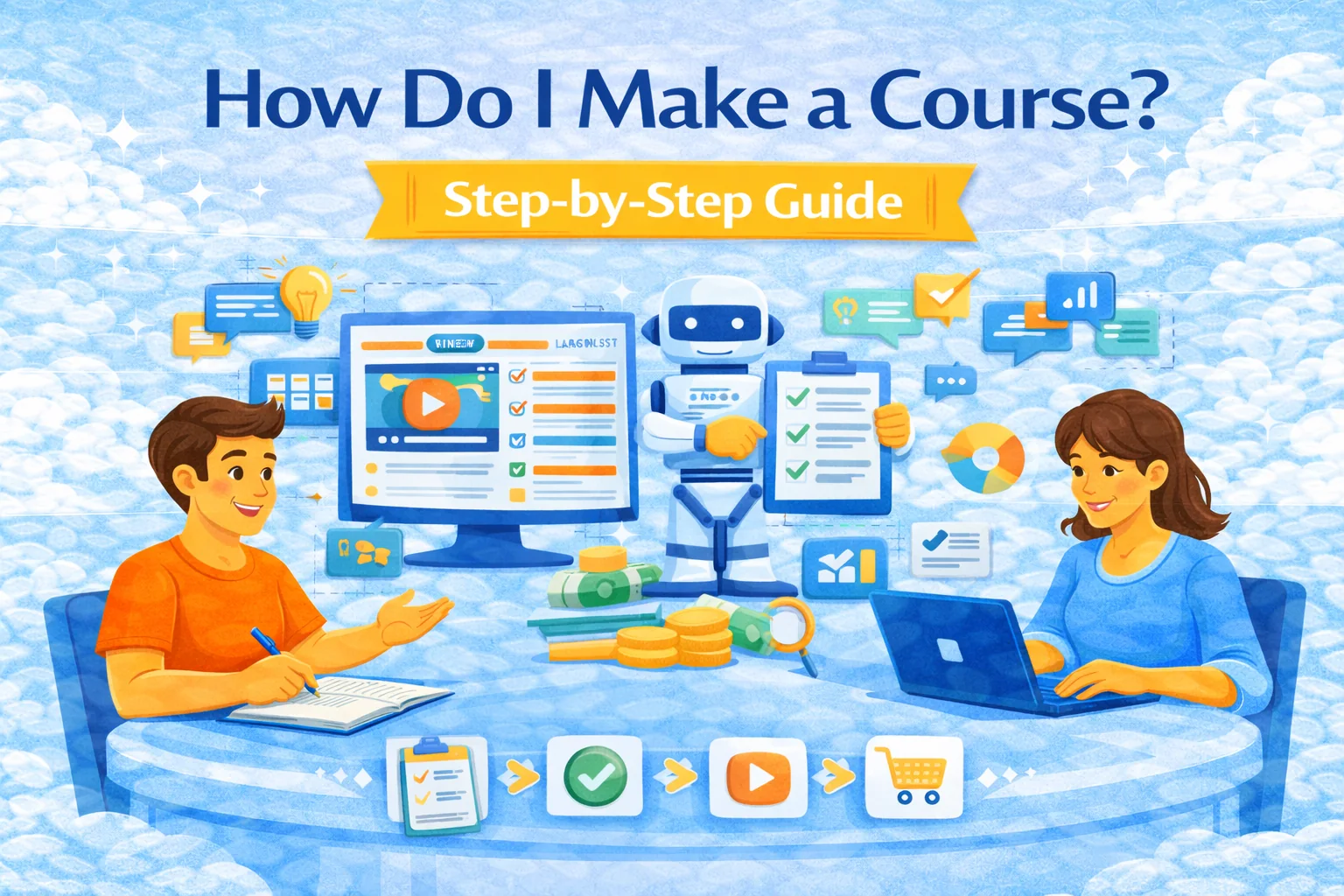
How do I make a course (without wasting your life)?
Most “course ideas” die for two boring reasons:
- the course is too big and vague, and
- the creator starts recording before deciding what students must be able to do.
So we’ll do the opposite: outcomes → structure → lessons → practice → launch → improve.
Along the way, I’ll show where SubSchool fits best:
- you can build a course manually (modules/lessons) and let AI generate homework from lesson context,
- or upload a batch of videos and have AI assemble the structure for you,
- then sell the full course or single lessons on the SubSchool marketplace,
- and for business use, run corporate training + EduHire-style “interview tasks” inside courses on SubSchool.
Step 1) Pick one learner and one outcome
If you try to teach “everyone who wants to learn X,” you’ll teach nobody.
Write this sentence:
“After this course, a student can: [observable skill] in [real scenario] to [standard].”
Examples:
- “Write a persuasive email to a client that reduces churn, using a 5-step template, in under 15 minutes.”
- “Hold a 20-minute English conversation about work topics, with fewer than 10 ‘stuck’ moments.”
Use measurable verbs (Bloom-style) when you write outcomes.
Template (copy/paste):
- Audience:
- Starting level:
- Target outcome (1 sentence):
- Proof the student improved (artifact):
Step 2) Validate the course in 60 minutes
Don’t build a 30-hour cathedral for a market that wants a 2-hour shed.
Validation options:
- The “3 conversations” test: talk to 3 target learners; ask what they tried, what failed, what they’d pay to fix.
- The “micro-lesson” test: publish 1 lesson as a free teaser; measure completion + questions.
- The “paid pilot” test: pre-sell 5–10 seats with a clear promise + refund policy.
If you’re launching on SubSchool, the “micro-lesson” test is extra clean because you can sell a single lesson as a low-friction entry point, then upsell the full course.
Step 3) Build the course map (the part everyone skips)
A good course is not “a bunch of videos.” It’s a path.
Recommended structure:
- Module = a milestone
- Lesson = one concept + one practice
- Assessment = proof of outcome
A simple map for a beginner course:
- Module 1: Foundations (quick wins)
- Module 2: Core skills (repeatable method)
- Module 3: Real scenarios (transfer to real life)
- Module 4: Capstone (final artifact)
Course map template:
- Module name → “By the end, student can…”
- Lesson list (5–8 per module)
- For each lesson: input → action → output
Step 4) Choose formats that match the goal (not your ego)
Use the lowest-production format that still teaches well.
Common options:
- Video + practice (best for demonstrations and “watch then do”)
- Text lessons (fast to ship, great for frameworks/checklists)
- Live sessions (best for feedback and motivation)
- Hybrid (recorded core + optional live Q&A)
If you already have videos: upload the batch and let SubSchool handle structure-building faster than you can “organize later” (which is founder-speak for “never”). Course tools often emphasize organizing content into modules/lessons and iterating inside a builder.
Step 5) Produce lessons like a factory, not like an artist
Here’s the lesson formula that ships:
Hook (30s) → Explain (2–6m) → Demo (2–6m) → Practice (5–15m) → Check (1–3m)
Aim for one main idea per lesson.
If a lesson needs 12 bullet points, it’s not a lesson, it’s a cry for help.
Script template:
- What students usually do wrong:
- The one rule:
- Example:
- Practice task:
- What “good” looks like:
Step 6) Add practice that actually teaches (not decorative quizzes)
Courses fail when students only consume.
Use a mix:
- Recall: quick checks (flash questions)
- Application: do the thing (worksheet, prompt, exercise)
- Scenario: realistic case
- Reflection: what changed, what’s still hard
On SubSchool, if you build lessons manually, AI can generate homework using the lesson context—use that as a draft, then edit it into something sharp and relevant.
Quality rubrics for online courses consistently push alignment: objectives ↔ activities ↔ assessment.
Step 7) Make it accessible by default (it’s not optional “nice to have”)
Accessibility is not a checkbox; it’s retention and trust.
Minimum baseline:
- captions / transcripts for video
- readable typography and contrast
- predictable navigation (“where do I start?”)
- no “surprise” tech requirements
Use WCAG as your sanity framework.
Use UDL principles if you want students with different needs to succeed (multiple ways to engage, access, and express learning).
Step 8) Package it inside a platform (so you can sell and iterate)
Your platform should solve:
- hosting
- payments
- lesson structure
- assignments
- progress tracking
- updates
With SubSchool, the practical flow looks like this:
Option A — fastest (video-first):
- Upload your videos in bulk
- AI builds the skeleton (modules/lessons)
- You review names + order
- Add/adjust homework and publish
Option B — best control (manual):
- Create modules/lessons
- Add video, text, or live lesson scheduling
- Generate homework via AI per lesson, then refine
- Publish + sell full course or single lessons
Option C — business / EduHire:
- Create a course as a training track
- Add interview-format tasks (candidates answer like in a real interview)
- Use completion + performance as a hiring/training signal inside SubSchool
Step 9) Price and launch (without pretending you’re Netflix)
Three simple pricing models:
- Single price (cleanest)
- Tiered (Basic / Plus with feedback)
- Per-lesson entry (great for hesitant buyers)
The per-lesson entry model is especially strong on SubSchool: sell one lesson as a “try-before-you-buy,” then convert to the full course.
Launch checklist:
- sales page promise (outcome, who it’s for, time to complete)
- 1 preview lesson
- first email/DM to warm audience
- 10–20 early users (your beta)
- feedback form after Module 1
Step 10) Improve with a tiny feedback loop (weekly)
Track 3 metrics:
- Completion rate (where do people drop?)
- Lesson friction (where do people get stuck?)
- Outcome proof (are students producing the artifact?)
Every week:
- fix the biggest drop-off lesson
- replace confusing practice
- add 1 example or rubric
That’s how courses become “good.” Not by filming in 8K with a $900 mic.
Real practice examples (steal these)
Example 1: “Become confident in conversational English for work”
- Outcome: hold a 20-minute call about work with fewer than 10 stuck moments
- Structure: 4 modules × 6 lessons
- Practice: role-play prompts + “reply templates”
- In SubSchool: sell Lesson 1 (“Small talk + introductions”) separately as the entry point.
Example 2: “Customer support that de-escalates angry clients”
- Outcome: resolve 70% of heated chats without manager escalation
- Practice: scenario library + scoring rubric
- In SubSchool: run as corporate training; update scenarios monthly.
Example 3: EduHire track for a junior role
- Outcome: candidate can answer interview-style prompts with structured thinking
- Format: interview tasks + rubric
- In SubSchool: use interview-format tasks to standardize evaluation across candidates.
Common mistakes (and the fix)
- Too broad → shrink the promise to one job-to-be-done
- Only video, no practice → add one task per lesson
- Random lessons → rewrite around outcomes and alignment
- Perfecting before launch → ship a paid pilot, iterate weekly
- Ignoring accessibility → baseline WCAG/UDL checks