AI-Supported Video Tutoring: Benefits, Real-World Use Cases, and a Practical Playbook for Teachers & Schools
AI-supported video tutoring can boost learning outcomes, save teacher time, and scale personalized feedback—if you design it safely. Here’s the playbook.
What “AI-supported video tutoring” actually means (no fluff)
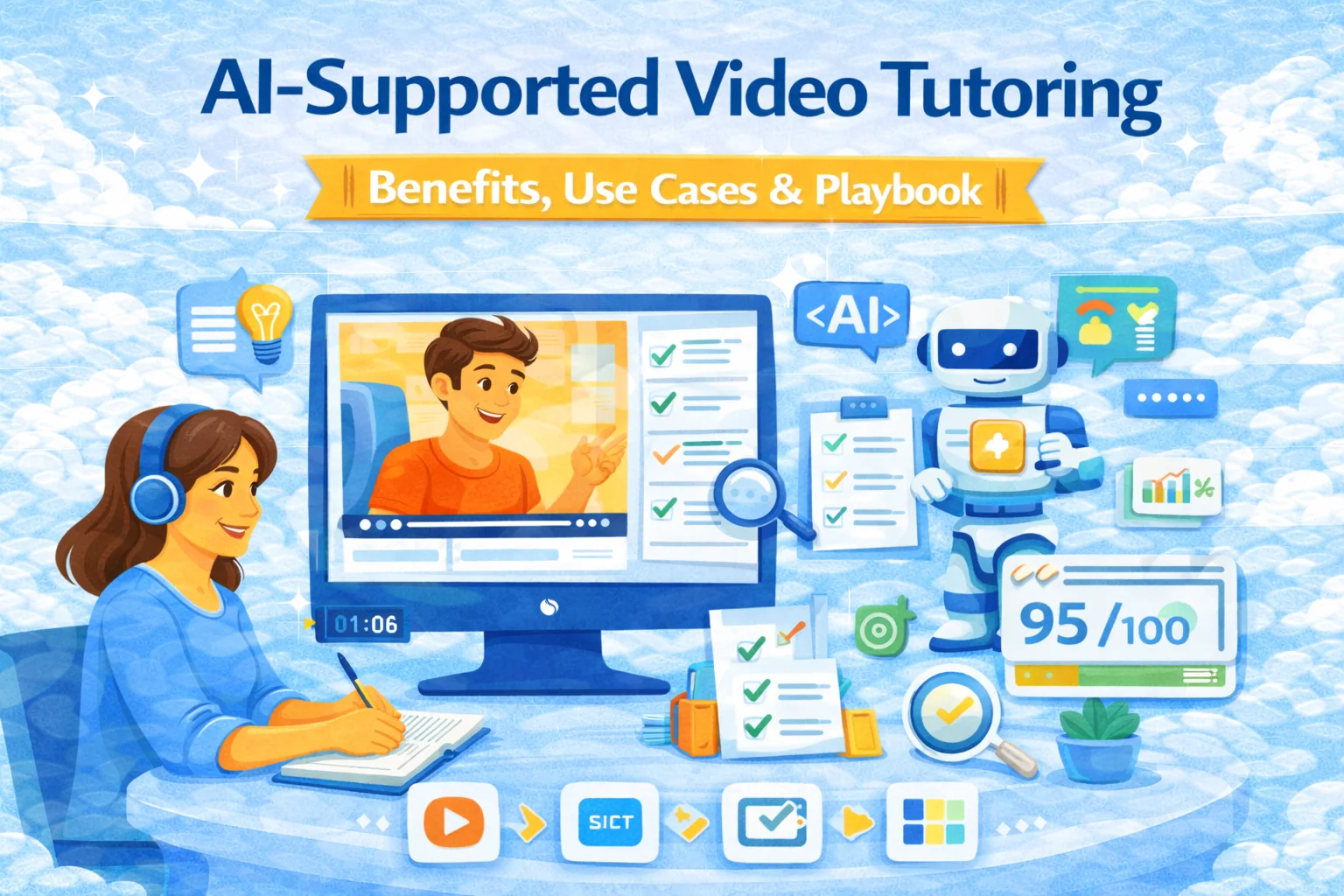
AI-supported video tutoring is any tutoring format where video is the medium (live or recorded) and AI helps before/during/after the tutoring moment.
There are 3 common models:
- Live tutoring + AI copilot
- AI transcribes, highlights misconceptions, suggests prompts, generates a recap + homework after the call.
- Asynchronous video tutoring (the scalable monster)
- Students submit short videos (“Explain how you solved it”). AI returns feedback against a rubric, suggests retries, and flags edge cases for a human.
- Video-based assessment / interview tasks (education + hiring / corporate)
- Learners record answers; AI evaluates with a rubric, creates a skills report, and routes to a manager/reviewer.
This last one is especially relevant for corporate learning and EduHire flows in SubSchool (video interview tasks can be part of a course, not a separate circus).
The benefits (and which ones are real, not marketing perfume)
1) Better learning outcomes — when AI is designed as a tutor, not a cheat sheet
A randomized controlled trial in a large undergraduate course found students learned significantly more in less timewith an AI tutor than with in-class active learning, and also reported higher engagement and motivation.
Big caveat: the system was intentionally designed with pedagogical scaffolding, not “ask anything, get an answer.”
Takeaway: “AI that explains” isn’t the win. “AI that forces thinking” is.
2) Personalization at scale (the thing human tutors can’t do for 200 students)
Personalized pacing and feedback is the core promise of tutoring, but it doesn’t scale. The whole point of AI support is giving “near-tutor” loops to more learners without burning teachers alive.
3) More practice, more often — with less teacher grading
Video tutoring becomes dramatically more effective when students do deliberate practice: short attempts + targeted feedback + retry. AI can run that loop all day and escalate only tricky cases to a human.
Practical effect: teachers stop spending evenings typing the same feedback 47 times.
4) Accessibility upgrades that matter
With video + AI you can add:
- live captions + searchable transcripts
- “rewindable” explanations
- simplified summaries for weaker learners
- language support (where appropriate)
This is one of the few “AI in education” benefits that’s immediately tangible.
5) Consistent rubric-based feedback (less randomness)
Humans drift. Monday feedback ≠ Friday feedback. AI can apply the same rubric every time, then you override when it’s wrong.
That “override” part is not optional. More on risks below.
6) Evidence and analytics for improvement
Video artifacts + transcripts create data for:
- common misconceptions
- drop-off points in lessons
- time-to-mastery by skill
- which explanations actually work
Schools and companies love this because it turns teaching into an improv show with a scoreboard.
Real-world scenarios where AI-video tutoring is a cheat code
Scenario A: Language tutoring (speaking practice that scales)
- Student records 60–90 sec answer to a prompt
- AI gives feedback on structure, clarity, vocabulary targets, and suggests a redo
- Tutor reviews only “stuck” students or final attempts
Works because speaking needs repetition, and repetition is expensive with humans.
Scenario B: Math / science reasoning (the “show your thinking” version)
Have students record: “Explain how you solved it and why this step is valid.”
AI checks reasoning against rubric and flags:
- missing justification
- wrong assumption
- correct answer but shaky logic
The value is not catching mistakes; it’s catching bad thinking habits early.
Scenario C: Corporate training (sales, support, leadership)
Learners submit role-play videos. AI scores against rubric:
- objection handling
- empathy + clarity
- policy adherence
- structure of conversation
Managers get a summary and can coach the few who need it most.
Scenario D: EduHire / hiring funnels
Candidate completes a course module, then records interview-style answers. AI produces a structured report for recruiters/hiring managers.
This is exactly where SubSchool becomes more than “course videos”: the course is the funnel.
The uncomfortable part: risks you must design for (or this backfires)
Risk 1: Hallucinations + confident wrong feedback
Even strong systems can be confidently incorrect. The Nature study explicitly discusses the need for careful design to avoid common failures.
Mitigation: constrain tasks (rubrics, structured prompts), provide “I’m not sure” pathways, and require human review for high-stakes decisions.
Risk 2: Privacy, minors, and “why is this vendor storing my kid’s face?”
If your learners include minors, privacy compliance stops being a footnote and becomes the product.
Helpful anchors:
- FTC guidance on COPPA (parental control for under-13 data collection).
- U.S. Department of Education guidance on student privacy and online educational services (FERPA context).
Mitigation checklist (minimum viable responsibility):
- get clear consent + explain what is stored
- minimize data retention (especially video)
- allow deletion requests
- avoid using student video to train models unless explicitly agreed and legally safe
- document vendors/subprocessors if you’re a school/org
Risk 3: Bias and unfair evaluation
Video can introduce bias (accent, disability, background environment). If AI scores speaking/interview videos, you need to monitor disparate outcomes.
Mitigation: audit rubrics, focus on observable criteria, human appeals, and track outcomes by subgroup where lawful.
Risk 4: Students using AI to “perform” rather than learn
If the AI just gives answers, you built a cheating engine.
Mitigation: make AI ask questions, require explanations, and use “attempt → feedback → retry” loops.
Implementation playbook (copy/paste into your planning doc)
Step 1) Decide what video is for
Pick one:
- Practice (low-stakes)
- Coaching (medium-stakes)
- Assessment (high-stakes)
Different privacy rules, different human oversight.
Step 2) Choose one of the 3 designs (don’t mix everything at once)
- Live tutor + AI copilot
- Async video submissions + rubric feedback
- Interview/assessment tasks + reporting
Start with one. Build muscle, then expand.
Step 3) Build the rubric first (before the AI prompt)
A good rubric has:
- 4–6 criteria max
- “what good looks like” examples
- clear fail conditions
- a remediation suggestion per criterion
Rubric quality determines feedback quality more than model choice.
Step 4) Put guardrails in writing (policy + UX)
Use official guidance as your backbone:
- UNESCO recommends a human-centered approach, attention to privacy, and clear governance for generative AI in education.
- NIST AI RMF is a practical structure for mapping and managing AI risks (governance, measurement, monitoring).
- U.S. education guidance emphasizes centering people, equity, and agency in AI use.
Step 5) Measure impact like a grown-up
Track:
- learning gain (pre/post)
- time-to-mastery
- completion rate
- student confidence (careful: feelings ≠ learning)
- tutor/teacher time saved
- escalation rate to human review
- error rate of AI feedback (sample audits)
How to run this on SubSchool (practical workflows)
You can implement the “AI-supported video tutoring” loop in SubSchool in two strong ways:
Workflow 1: Course from videos → AI builds structure → you add tutoring moments
- Upload a batch of lesson videos
- Let SubSchool organize lessons/modules
- Add “Submit a 60-sec explanation video” assignments as checkpoints
- Use AI-generated homework (based on each lesson context) to create practice between tutoring sessions
Workflow 2: EduHire / corporate training with interview-format tasks
- Build a course for a role or skill
- Add interview-style video questions inside the course
- Evaluate against a rubric (and keep human review for hiring decisions)
- Use the course as both training and screening
This is how you stop wasting time on random interviews and start screening for actual competence.
Quick FAQ
Do AI tutors replace human tutors?
No. The winning model is AI handling repetition + first-pass feedback, humans handling edge cases and coaching.
Is async video tutoring better than live?
For scale: yes. For motivation/accountability: live often wins. Many programs blend them.
What’s the biggest mistake schools make?
Using AI like a search engine instead of a tutor (no rubric, no scaffolding, no oversight).
Recommended resources
- UNESCO guidance on generative AI in education and research.
- U.S. Department of Education (OET) report: Artificial Intelligence and the Future of Teaching and Learning.
- NIST AI Risk Management Framework (AI RMF).
- FTC overview of COPPA (children’s privacy).
- U.S. Department of Education: student privacy + online educational services (FERPA context).