How Do Online Lessons Work? A Practical, No-Fluff Guide for Teachers and Students
Online lessons work through a repeatable loop—prep, teach, practice, feedback, and progress tracking—delivered live, on-demand, or blended. Here’s how it all fits together.
What top search results usually cover (and what they miss)
Most “how online classes work” pages follow the same skeleton: what to expect, what tools you’ll use, how deadlines and grading work, and tips to succeed. That’s helpful… but often vague on the real mechanics: what actually happens before / during / after a lesson, how to design the “learning loop,” and how to avoid the classic failure mode: students watch content → do nothing → disappear.
So let’s do it properly.
The core idea: an online lesson is a loop, not a video
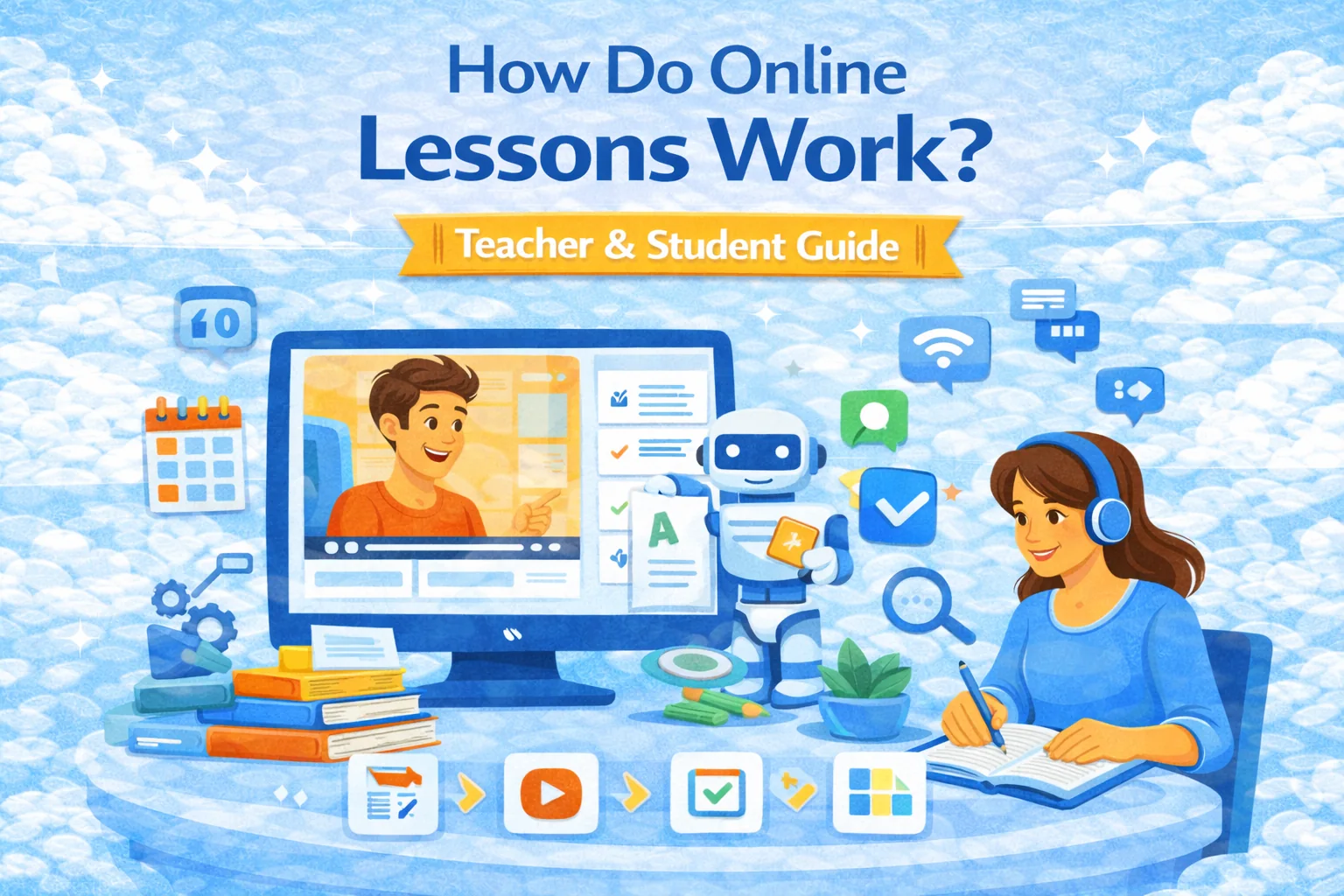
A working online lesson has 5 moving parts:
- Trigger — student knows what to do today (notification, calendar, module release).
- Input — content (video, text, slides, demo).
- Action — learner does something (quiz, task, discussion, practice).
- Feedback — instant (auto-check) + human (comments, rubric, office hours).
- Evidence & progress — completion, score, mastery signals, next step.
If you only have #2, you don’t have a lesson. You have a playlist.
3 common formats (how they work in practice)
1) Asynchronous (self-paced)
How it runs:
- Student opens a module
- Consumes content (video/text)
- Completes tasks by a deadline (or at own pace)
- Gets feedback and moves on
Where it shines: skills that need repetition (languages, test prep, software tools).
Where it breaks: if tasks are weak or feedback is slow → motivation dies.
Design rule: every content chunk should end with a small action (2–10 minutes).
2) Synchronous (live, “Zoom-style”)
How it runs:
- Live session link + agenda
- Short teaching blocks (5–12 min) + activity blocks (polls, breakout tasks)
- Homework after class
- Recording and recap for absentees
Where it shines: coaching, cohort energy, soft skills, Q&A-heavy topics.
Where it breaks: “one-hour lecture on camera” = sleepy disaster.
Design rule: if learners aren’t doing anything every ~10 minutes, engagement drops.
3) Blended / Hybrid (best of both)
How it runs:
- Core content async
- Weekly live workshops for practice, coaching, feedback
- Strongest completion rates when done well
Design rule: async = input, live = practice + feedback.
What “an online classroom” actually consists of
Regardless of platform, most online lessons boil down to these components:
- Syllabus / roadmap: what’s happening and when
- Modules / lessons: the structure
- Learning materials: video, text, links, templates
- Assignments: quizzes, essays, projects, uploads, interviews
- Communication: chat, announcements, discussion threads
- Assessment: rubrics, auto-check, peer review, proctoring sometimes
- Analytics: completion, scores, time, weak topics
This is why “where does the lesson live?” usually means: inside an LMS-like system, even if the teacher uses a bunch of tools.
A concrete example lesson (copy this pattern)
Topic: “How to write a strong thesis statement” (30–45 min total)
1) Trigger: “Lesson 3 unlocked — do it today (15 min content + 10 min task)”
2) Input: 6-minute video + 1-page cheat sheet
3) Action: pick best thesis out of 5 options (quiz) + write one thesis for a prompt
4) Feedback: auto feedback for quiz + rubric-based comment for the written thesis
5) Evidence: score + “next recommended practice” based on mistakes
That’s a lesson. Not a monologue.
Where SubSchool fits (and why it matters)
If you’re building lessons, SubSchool is designed around the loop above:
- Create a course by uploading lectures: AI can split content into modules/lessons, generate descriptions, and produce homework.
- Generate and check homework (including essays and interview/video answers), with the teacher able to review/adjust.
- Sell as a full course or by module / single lesson, so students can try before committing.
- Run tutoring and live lessons with recordings + homework in one thread.
- For credibility, it also highlights entry-to-exit improvement as a rating concept.
So instead of duct-taping “video host + forms + chat + calendar + payments,” you’re building inside one flow.
How students experience online lessons (what to expect)
Online classes often feel “lighter”… until deadlines hit. The real differences vs offline:
- More self-management (no physical room forcing attention)
- More written communication (instructions matter a lot)
- More frequent micro-deadlines (quizzes, posts, submissions)
- More visibility (your activity trail is logged: submissions, timestamps, scores)
In higher ed, distance learning is mainstream: in fall 2021, NCES reported ~61% of undergrads took at least one distance education course.
How teachers make online lessons actually work
Here are the levers that move completion and learning (not vibes):
1) Predictable rhythm
Same pattern every lesson:
- Goal → content → task → feedback → next step
2) “Teacher presence”
Students need signs you’re there:
- weekly announcement, quick replies, short feedback cycles
- (You don’t need to be online 24/7; you need to be reliably present.)
3) Fast feedback
The shorter the loop, the higher the completion.
This is where auto-check + rubrics + templated comments are gold.
4) Accessibility by default
If you publish content online, follow accessibility basics (captions, readable structure, keyboard-friendly UI, etc.). The web standard many teams use is WCAG 2.2.
5) Design for variability (UDL mindset)
Learners differ. Build multiple ways to engage and show learning. CAST’s UDL Guidelines are a strong framework.
Compliance and safety (the “boring” part that ruins lives if ignored)
If you teach minors or work with schools:
- FERPA governs student education records privacy in the U.S. Start with U.S. Department of Education’s Student Privacy resources.
- If your service is directed to kids under 13 (or you knowingly collect data from them), COPPA may apply—read Federal Trade Commission guidance.
(You don’t need to turn into a lawyer. You need to avoid obvious mistakes like collecting unnecessary personal data, unclear consent flows, and sloppy sharing of student work.)
Quick checklists
Student checklist (to not drown)
- Put deadlines into a calendar the day you get the syllabus
- Study in short blocks (25–40 min), not “someday for 3 hours”
- Submit something early if drafts are allowed (feedback beats perfection)
- Ask questions in the right channel (discussion vs private message)
Teacher checklist (to avoid chaos)
- Every lesson ends with an action (quiz/task/post)
- Instructions pass the “sleepy test” (can a tired student follow them?)
- Feedback timeline is explicit (“you’ll get comments within 48h”)
- One place for announcements, one place for submissions
- Recordings + recap exist for live lessons
Useful resources (non-competitor, actually worth citing)
- National Center for Education Statistics — distance education fast facts (baseline numbers and definitions).
- World Wide Web Consortium — WCAG 2.2 accessibility standard.
- CAST — UDL Guidelines for designing inclusive learning.
- Quality Matters — course design rubric standards (useful as a QA checklist).
- ISTE — educator standards for tech-enabled learning.