Step-by-Step Guide: How to Create an Online Class for Maximum Engagement
Master the art of creating engaging online classes with our step-by-step guide. Transform your teaching and captivate your students with effective strategies.
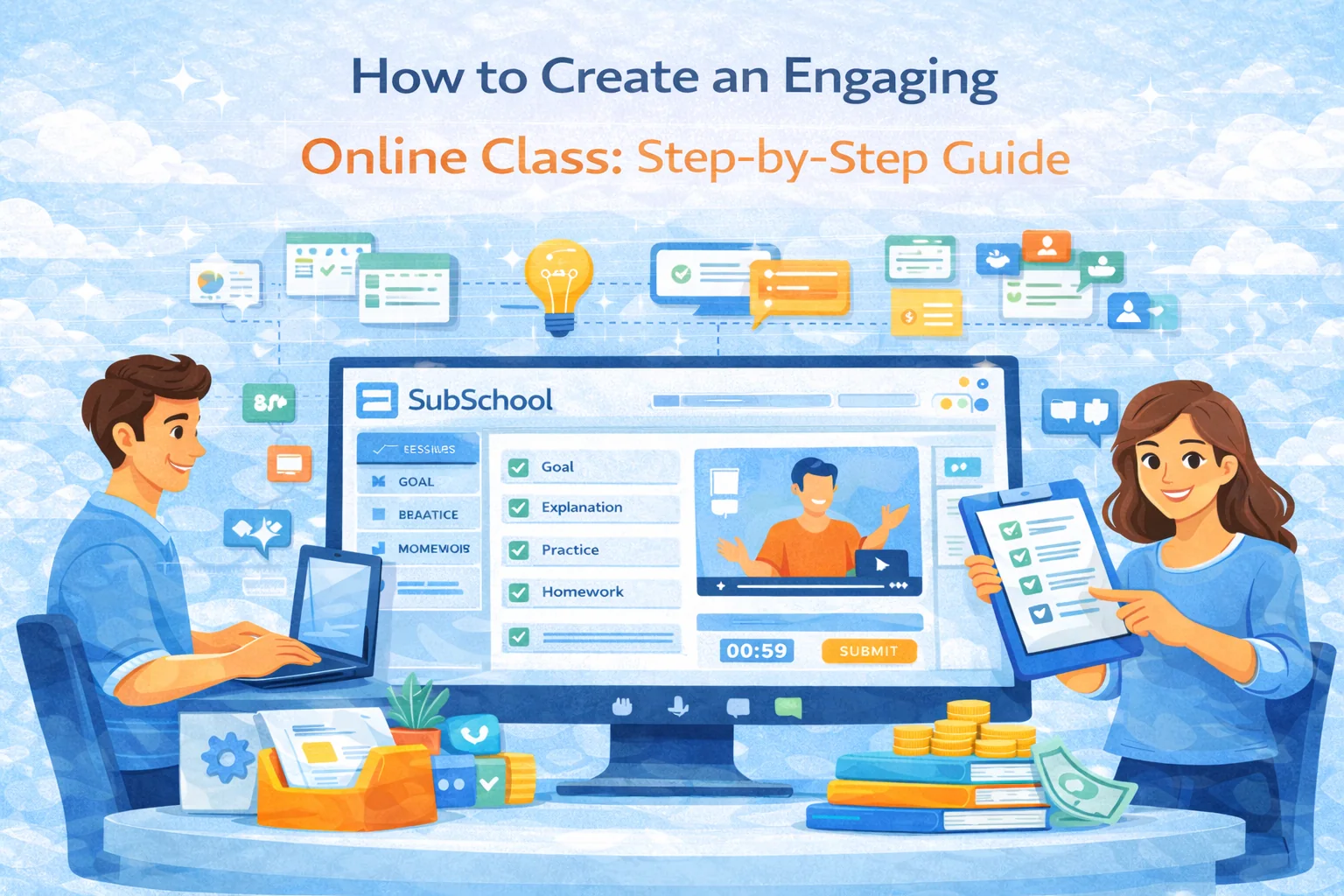
How to Create an Engaging Online Class: a Step-by-Step Guide (with real tactics that work)
Creating an online class isn’t “record some videos and hope people finish.” A great online class feels alive: clear structure, frequent interaction, fast feedback, and a community that makes students show up.
Below is a practical playbook you can follow whether you’re building a one-time workshop, a 6-week cohort, or a self-paced course on a platform like SubSchool.
Understanding the Basics of Online Class Creation
What Makes Online Classes Different?
Online classes succeed or fail on three things that matter more than in-person:
- Attention is fragile
- In a room, you can “hold” attention with presence. Online, you need design: short segments, constant participation, and obvious next steps.
- Friction kills completion
- If students can’t find the lesson, the homework, or the Zoom link in 10 seconds—completion drops. Your class must be idiot-proof (in a loving way).
- Feedback is the engine
- Students stick with online learning when they feel progress. Progress = quick checks + clear feedback + visible improvement.
Planning Your Online Class
A well-planned class is the foundation of successful online teaching. If you nail this part, everything else becomes easier.
Define Your Learning Objectives
Forget vague goals like “understand the topic.” Write objectives that are observable.
A simple format:
- By the end of this class, students will be able to: verb + object + standard
Examples:
- “Solve linear equations with fractions without calculator errors.”
- “Write a 5-paragraph opinion essay with a clear thesis and evidence in each body paragraph.”
- “Hold a 10-minute speaking conversation using past tense correctly at least 80% of the time.”
Pro tip: limit yourself to 3–5 core outcomes. More outcomes = less clarity = worse marketing and worse learning.
Choose the Right Platform
When people search “how to create an online class,” they usually underestimate how much the platform matters. Your platform decides how smooth the student experience is and how much admin pain you’ll suffer.
Minimum platform checklist (teacher view):
- Easy lesson structure (modules → lessons)
- Video upload + live lesson scheduling
- Homework creation + submissions
- Feedback / grading workflow
- Student progress tracking + analytics
- Payments + access control
- Mobile-friendly for students
A platform like SubSchool is built around that “course + homework + live lessons + tracking” loop, so you spend time teaching—not duct-taping tools.
If you’re unsure about format, pick one:
- Live cohort (best for outcomes + higher price): fixed start date, weekly sessions, accountability
- Self-paced (best for scale): students join anytime, lower support load
- Hybrid (often best overall): recordings + weekly live Q&A + homework feedback
Designing Engaging Content
Engaging content is not “more content.” It’s better sequencing + more participation.
Mix Up Content Types
Use a predictable rhythm so students feel safe, but vary the materials to prevent boredom.
A high-performing lesson structure (60 minutes):
- Hook (2–3 min): “Today you’ll be able to ___” + why it matters
- Demo (8–10 min): you show one clear example
- Student attempt (5–7 min): they do a similar task
- Feedback (3–5 min): review common mistakes
- Mini-lecture (8–10 min): next concept
- Practice (10–15 min): timed, structured
- Wrap (3–5 min): recap + what to do next
That’s the core secret: students do something every 5–7 minutes.
Incorporate Interactive Elements
If you want engagement, you need “forced moves”—moments where students must respond.
High-leverage interaction types:
- Cold-start poll: “Which option is correct?” (easy win to get participation started)
- 1-minute chat sprint: “Write your answer in chat—no overthinking.”
- Micro-quiz: 3 questions → instant feedback
- Breakout pairs (3–5 min): “Explain the concept to your partner like they’re 10.”
- Showcase: pick 1–2 student answers and improve them live (students love this)
Golden rule: interaction is not decoration. Each interactive moment should answer one question:
- “Do they understand this?”
- “Can they apply it?”
- “What mistake are they making?”
Delivering Your Class
The delivery of your online class can significantly impact student engagement—even if your content is great.
Engage in Real-Time Interaction
Live sessions work best when you treat them like a show with participation, not a lecture.
Tactics that keep energy high:
- Start with names: “Hi Anna, hi Mike…” (humanizes instantly)
- Use a co-pilot channel: ask students to use chat for answers, not only questions
- Use “timer pressure”: “You have 90 seconds—go.” (focus booster)
- Repeat questions out loud: chat questions get lost otherwise
If silence happens (it will):
- Ask for a number response first (“1–5, how clear is this?”)
- Then ask an easy binary question
- Then ask an open-ended one
Create a Community Feeling
Community is retention. Retention is income.
Simple community system that works:
- Pinned weekly routine:
- “Watch lesson → do homework → mini-test → live Q&A”
- Rules that protect safety:
- “No mocking, we fix mistakes respectfully.”
- Small wins:
- shout-outs for completed homework, streaks, improvements
If you run cohorts, add a tiny ritual:
- “Win of the week”
- “Most common mistake we fixed”
- “One insight I’ll use next week”
Platforms like SubSchool help here because homework + progress tracking makes “wins” visible instead of vibes-only motivation.
Assessing and Improving
Good online teaching is a loop: teach → check → fix → repeat.
Gather Student Feedback
Don’t ask “Any feedback?” (you’ll get “all good”).
Ask structured questions:
- “What part was most confusing (one sentence)?”
- “Where did you lose focus?”
- “What would make the homework easier to start?”
- “What’s one thing you can do now that you couldn’t do before?”
Do it:
- after lesson 1 (to remove friction early)
- mid-course (to increase completion)
- at the end (for testimonials + iteration)
Utilize Analytics
Analytics should answer:
- Where do students drop off? (which lesson/module)
- Which homework tasks cause failure?
- Who is stuck vs cruising?
Then you act:
- Add a “bridge” lesson (short)
- Split homework into “basic / standard / challenge”
- Record a 3-minute “common mistakes” clip
On SubSchool, the “course + homework + progress” setup makes these patterns easier to spot than when everything is scattered across tools.
Quick launch checklist (use this before you publish)
Offer
- Clear promise (“After this, you can ___”)
- Who it’s for / not for
- Format + schedule + workload
Course structure
- Modules and lesson titles are obvious and outcome-focused
- Homework exists for every lesson (even small)
- One “checkpoint” per week (quiz / mini-test / live review)
Student experience
- Everything is accessible in 2 clicks
- Students know exactly what to do after each lesson
- A simple place to ask questions (chat/forum)
Quality
- Audio is clear (more important than video)
- Examples match the level of the students
- You’ve tested the flow from student view once