What Is an LMS? A Practical Guide to Learning Management Systems (and how to choose one)
An LMS (Learning Management System) is software that delivers, tracks, and manages learning. This guide explains what an LMS does, key features, LMS vs LXP/LMS vs course platform, standards like SCORM/xAPI/LTI
What is an LMS?
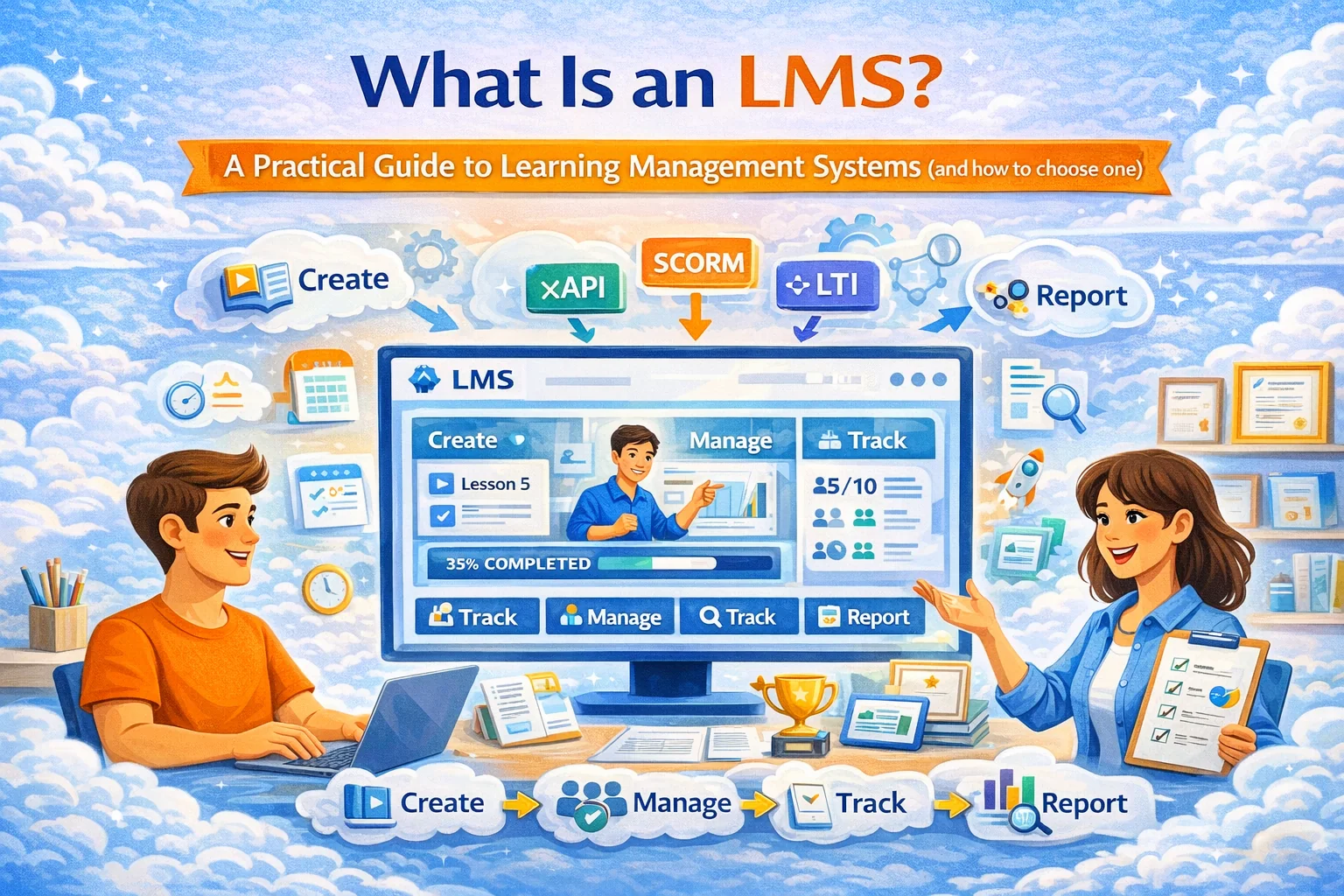
An LMS (Learning Management System) is a platform that helps you create/deliver learning, enroll learners, and track progress—usually with admin controls, reporting, and assessments.
If “online course platform” is a place to host lessons, an LMS is the system that makes learning operational: enrollments, assignments, completion tracking, certificates, reporting, roles, cohorts, and (in corporate) compliance evidence.
What the top “What is an LMS” pages usually cover (and what they miss)
Most first-page guides follow the same structure:
- definition + why it exists
- common features (courses, quizzes, reporting)
- use cases (school / university / corporate)
- basic “how to choose” checklist
What they often under-explain:
- interoperability standards (SCORM, xAPI, LTI) and why they matter
- the difference between LMS vs LXP vs course platform
- privacy + security requirements (especially for minors or regulated workplaces)
- the real “gotcha”: implementation and adoption (tech is easy; behavior is hard)
So let’s do the useful version.
What an LMS actually does
1) Delivers learning
- hosts lessons (video, text, files, live session links)
- structures content into modules/lessons
- supports “drip” release or scheduled cohorts
2) Manages learners
- enrollments (manual, self-serve, group-based)
- roles (student, instructor, manager, admin)
- cohorts / classes / teams
3) Measures learning
- quizzes, assignments, rubrics
- completion + time-on-task (sometimes)
- certificates / compliance records (common in corporate)
4) Gives admins visibility
- dashboards and reports
- progress by cohort/team
- activity logs and audit trails (important for compliance)
Core LMS features checklist (the stuff that matters)
If you’re evaluating an LMS, ignore the marketing glitter and check these:
Content & structure
- modules/lessons, prerequisites
- multimedia support
- versioning / updates
Assessment
- quizzes + assignments
- rubrics / grading workflows
- feedback loops
Enrollment & access
- self-enrollment + invite links
- group enrollment (classes/teams)
- permissions/roles
Reporting
- per learner progress
- cohort/team analytics
- exportable reports (for HR/compliance)
Operations
- notifications/reminders
- certificates/badges (optional but useful)
- integrations (SSO, HRIS/SIS, payments)
Trust & safety
- privacy controls, retention settings
- access logs
- moderation/reporting (if community exists)
LMS vs Course Platform vs LXP (quick definitions)
LMS vs “online course platform”
- Course platform: publish lessons and sell access (often creator-focused).
- LMS: adds management + tracking + assessment + reporting for structured learning at scale.
A creator can live happily on a course platform. A school or company usually needs LMS capabilities.
LMS vs LXP (Learning Experience Platform)
- LXP is discovery-first: personalization, recommendations, content aggregation (think “learning Netflix”).
- LMS is accountability-first: assignments, tracking, compliance, admin control.
Many organizations end up with both: LXP for discovery, LMS for formal programs.
LMS vs LCMS
- LCMS is about authoring and managing learning content (especially reusable modules).
- LMS is about delivering and tracking learning.
Standards you should know (so you don’t get locked in)
If your learning content must move between systems, standards matter.
SCORM
The classic e-learning packaging standard (common in corporate compliance content). If you plan to buy “off-the-shelf” training libraries, SCORM compatibility is frequently relevant.
xAPI (Tin Can) and cmi5
More modern tracking approaches than SCORM (richer activity tracking). cmi5 is often described as “xAPI for LMS” style packaging/launch rules.
LTI (Learning Tools Interoperability)
Common in education to connect external tools (assignments, simulations) into the LMS.
Why you care: standards reduce vendor lock-in and make your content/integrations portable.
Who needs an LMS (and who doesn’t)
You need an LMS if you have:
- multiple instructors and cohorts/classes
- graded work and feedback cycles
- compliance requirements (proof of completion)
- corporate onboarding/training with reporting
- hiring pipelines where you assess skills (EduHire-style)
You might NOT need an LMS if you:
- sell one simple course with no assignments
- don’t need tracking or cohorts
- only deliver live lessons and track manually
That said: many people start “simple” and outgrow it fast once they want scale and consistent learning outcomes.
How to choose an LMS: a decision framework
Pick based on your primary job:
1) Creator / Tutor business (sell to individuals)
Your priorities:
- quick course creation
- smooth checkout
- low-friction “try before buy”
- simple homework/assessment
This is where a platform like SubSchool is strong: you can create courses manually or upload a batch of videos and let AI help structure the course; generate homework from lesson context; and sell full courses or single lessons on the SubSchool marketplace.
2) Schools / education orgs (classes + minors possible)
Your priorities:
- class/cohort management
- assignment workflows
- privacy + safeguarding posture
- integrations (often SIS/SSO)
3) Corporate training (L&D + compliance)
Your priorities:
- reporting by team/department
- completion evidence + audit trail
- role-based access and permissions
- scalable onboarding programs
SubSchool also supports corporate training workflows, and if you’re building “learn + evaluate + hire,” SubSchool supports EduHire-style interview-format tasks inside courses.
Implementation reality check (the part that decides success)
An LMS rollout fails when:
- content is dumped in with no structure
- managers don’t reinforce learning time
- assignments exist but nobody reviews them
- reporting exists but nobody uses it
A minimal “works in real life” rollout:
- One program with a clear outcome (onboarding, certification, exam prep)
- 4–8 modules max
- Each module has a task (quiz, scenario, submission)
- One person owns review/feedback
- Weekly reporting to stakeholders (completion + blockers)
Where SubSchool fits (without over-claiming)
Think of SubSchool as LMS + marketplace + AI course ops:
- build courses manually or upload videos and let AI help structure them
- generate homework from lesson context (AI drafts, you refine)
- sell as a full course or as single lessons (reduces buyer friction)
- run corporate training and EduHire-style evaluation flows with interview tasks
That combination matters because most “LMS definitions” stop at course delivery. SubSchool is designed to help teachers and creators not just host learning—but actually sell, manage, and scale it.
Resources
- SCORM overview (ADL): Advanced Distributed Learning (ADL)
- xAPI overview (ADL): Experience API (xAPI)
- cmi5 overview (ADL): cmi5
- LTI standard (1EdTech): Learning Tools Interoperability (LTI)
- Accessibility baseline (W3C): WCAG standards
- FERPA (US Dept of Education – student privacy): Student Privacy resources
- COPPA rule (FTC): Children’s Online Privacy Protection Rule
- UK GDPR automated decision-making guidance (ICO): Automated decision-making and profiling
- Security management baseline (ISO): ISO/IEC 27001 overview