Teaching Online Without a Website: Effective Strategies for Educators
Explore effective strategies for educators to teach online without a personal website. Harness platforms and tools to connect with students and deliver quality education.
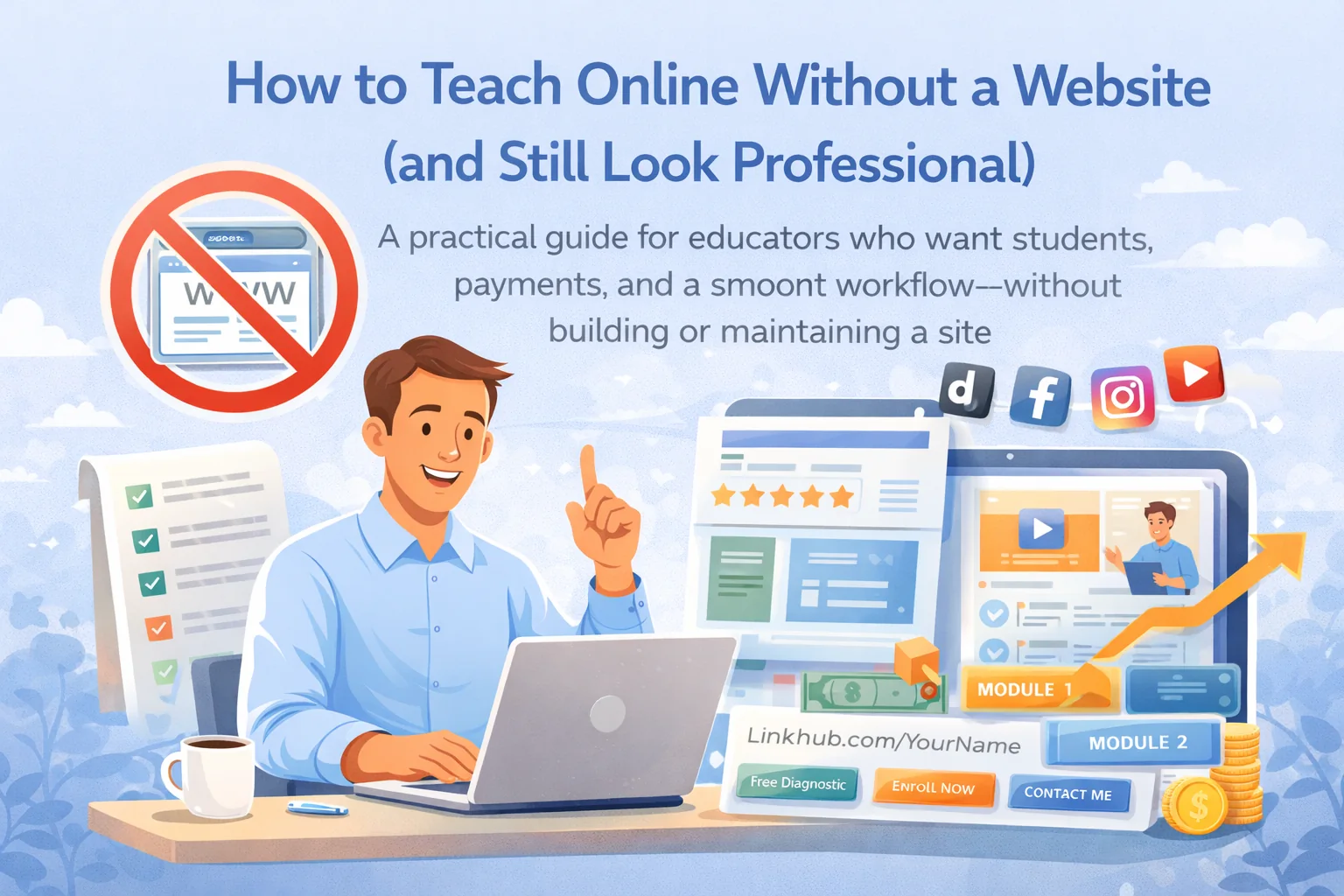
How to Teach Online Without a Website (and Still Look Professional)
A practical guide for educators who want students, payments, and a smooth workflow—without building or maintaining a site.
A lot of educators think going online requires a personal website. It doesn’t.
A website is just one thing: a place where people can understand your offer and take action. If you can do that through a platform + a clean “link hub” + good content + a simple onboarding flow, you can teach online effectively without ever touching hosting, domains, or WordPress drama.
This guide shows exactly how.
1) The real problem isn’t “no website.” It’s “no system.”
Teachers don’t fail online because they lack a website. They fail because they lack:
- a clear offer (what you teach + for whom + outcome)
- a conversion path (how someone becomes a student)
- an organized learning flow (lessons + homework + feedback + communication)
- a reliable scheduling/payment process
Your goal is to build those without a website.
2) Why teaching without a website is often better (especially at the start)
Less setup time, more teaching
Websites cost:
- time (setup + copy + design + ongoing edits)
- money (hosting, themes, plugins, dev help)
- mental load (support, bugs, payment integration)
If you’re validating demand or starting from scratch, a website is usually a distraction.
Faster iteration
Without a website, you can update your offer in minutes:
- change pricing
- change the program structure
- add a new cohort date
- tweak your positioning
That speed matters early.
Lower risk
A website is a fixed asset. Your teaching offer is still evolving. Build the system first, then build the “pretty wrapper” later—if you still want it.
3) The “Website Replacement Stack” (the exact components you need)
If you don’t have a website, you still need these 5 pieces:
1) A home base (where your course lives and payments happen)
This is usually a teaching platform.
Minimum requirements:
- course structure (modules → lessons)
- lesson materials (video/slides/text)
- homework submissions + feedback
- student access control
- payments (course purchase / lesson purchase if you want)
If you run live teaching or tutoring, add:
- live lesson links + recording storage
- scheduling or calendar workflow
- chat (course chat + 1:1 chat)
2) A single public link (your “front door”)
You need one link you can put everywhere:
- Instagram bio
- TikTok bio
- YouTube description
- LinkedIn profile
- messaging apps
This can be:
- a platform profile page
- a simple “link-in-bio” page
- a public school/teacher profile
Rule: one link, not five random links.
3) A conversion step (how people become leads)
Most educators skip this and wonder why “posting doesn’t work.”
Simple conversion steps that work:
- “DM ‘PLAN’ to get a free diagnostic”
- a placement test link
- a waitlist form
- a “book a 10-min fit call” slot
Pick ONE and use it everywhere.
4) A communication channel (for onboarding + retention)
You need a reliable way to:
- remind students
- answer questions
- send homework / feedback
- announce new cohorts
Options:
- platform chat (best if it keeps context)
- email newsletter (best for ownership)
- WhatsApp/Telegram group (best for cohort energy, but messier)
5) Proof + authority assets (so you can charge more)
Without a website, proof matters even more.
Minimum proof kit:
- 2–3 student testimonials (specific, not “great teacher”)
- one “before/after” example (anonymized)
- one short lesson clip
- your method in 3 bullets (“how you teach”)
4) How to set it up in a day (step-by-step)
Step 1 — Write your “offer” in 6 lines
Copy this template:
- I help: [audience]
- achieve: [outcome]
- in: [timeframe]
- format: (1:1 / cohort / hybrid / recorded)
- for / not for: [filter lines]
- CTA: [one next step]
Example:
“I help B1 English learners speak confidently in job interviews in 8 weeks.
Hybrid program: lessons + practice + feedback.
For learners who can commit 2x/week. Not for complete beginners.
DM ‘PLAN’ for a free speaking diagnostic.”
That’s your entire “landing page copy” right there.
Step 2 — Create one program first (don’t start with 10 courses)
Pick one:
- 6-week cohort (2 lessons/week)
- 8-week tutoring package
- 10-lesson micro-course
Early success comes from one focused offer.
Step 3 — Create your public entry point
Your public page must include:
- headline (outcome)
- who it’s for / not for
- what’s inside (bullets)
- price or “starting from”
- CTA (one action)
If you’re using a platform like SubSchool, a public profile/school profile + course listing can do the job.
Step 4 — Build a simple onboarding flow
When someone joins, they should instantly get:
- “start here” lesson
- schedule (if cohort)
- how homework works
- where questions go
- rules (deadlines, recordings, feedback)
This single step reduces support messages dramatically.
5) Getting students without a website (the part everyone handwaves)
Here are the channels that work without a personal site:
Channel A — Short-form content (TikTok/Reels/Shorts)
Your goal is not “views.” It’s DMs or placement tests.
Best-performing formats for educators:
- “common mistake → fix”
- “mini-test”
- “3-step framework”
- “watch me solve this fast”
- “why you’re stuck at this level”
Every post ends with the same CTA:
“DM ‘PLAN’ and I’ll send you a free diagnostic.”
Channel B — Partnerships (fastest if you hate content)
Partner with:
- teachers in adjacent subjects
- school communities
- parent communities
- exam prep communities
Collaboration formats:
- joint workshop
- guest lesson
- cross-promo bundle
Channel C — Referrals (most profitable)
Make referrals intentional:
- give students a “bring a friend” perk
- offer a free mini-session or bonus lesson
- or a discount for the next month
Referrals convert high because trust is pre-loaded.
Channel D — Paid ads (only after you have proof)
Ads amplify a system. They don’t create one.
If you don’t have:
- clear offer
- proof
- conversion step
- …ads will burn money.
6) Teaching workflow without a website (how to stay sane)
The biggest reason teachers build a website is control.
The biggest reason teachers quit online teaching is chaos.
So your workflow must be clean:
For courses (asynchronous)
- lessons in order
- homework attached per lesson
- clear completion path (“do this next”)
- feedback loop (rubric / comments / AI grading if available)
For cohorts (live groups)
- fixed schedule
- recordings automatically stored
- weekly mini-tests
- consistent homework cadence
- one course chat for questions
For tutoring (1:1)
- availability calendar
- student requests a slot
- teacher approves
- session link created
- recording stored in chat
- homework sent in the same thread
- billing based on session length (if supported)
This is the difference between “online teaching” and “online chaos.”
SubSchool’s newer features (lesson materials, AI homework generation and grading, live recorded calls, tutoring scheduling, course + 1:1 chats, flexible purchasing) are basically built to reduce those operational headaches—so you don’t need a website just to feel “professional.”
7) Common mistakes (and fixes)
Mistake: “Link in bio” with 12 links
Fix: one main CTA. Everything else is secondary.
Mistake: selling hourly sessions only
Fix: package/program. Outcomes sell better than time.
Mistake: no diagnostic step
Fix: placement test / audit / free mini-plan. It boosts conversion massively.
Mistake: scattered communication
Fix: one place for course communication. If you must use messengers, keep course materials on the platform.
Mistake: trying to look big before you’re profitable
Fix: build system first, cosmetics later. Your students pay for outcomes, not typography.
8) A 7-day “no website” launch plan
Day 1: write offer + CTA + for/not-for
Day 2: create program structure (modules/lessons)
Day 3: make first 2 lessons + homework templates
Day 4: publish public page/profile
Day 5: post 3 pieces of content with same CTA
Day 6: run 5 diagnostics (DMs or calls)
Day 7: enroll first students + start
After 2–3 weeks you’ll have proof, and everything gets easier.
Conclusion: you don’t need a website—you need a funnel and a workflow
A website is optional.
A clear offer, a simple CTA, and a clean learning system are not.
Start without a website. Get students. Get proof. Improve the program.
Then decide if you even want a site.